MFA Fatigue and Push Bombing: How Attackers Get Around Multi-Factor Authentication
BizShield Pro Editorial
Updated November 1, 2026
Quick Answer
MFA fatigue, or push bombing, is when an attacker with a stolen password repeatedly triggers approval prompts until the user taps accept to make them stop, or is tricked into approving. Defend with number matching, phishing-resistant methods such as passkeys and security keys, limits on prompts, alerts on repeated requests and staff who know to deny and report unexpected prompts.
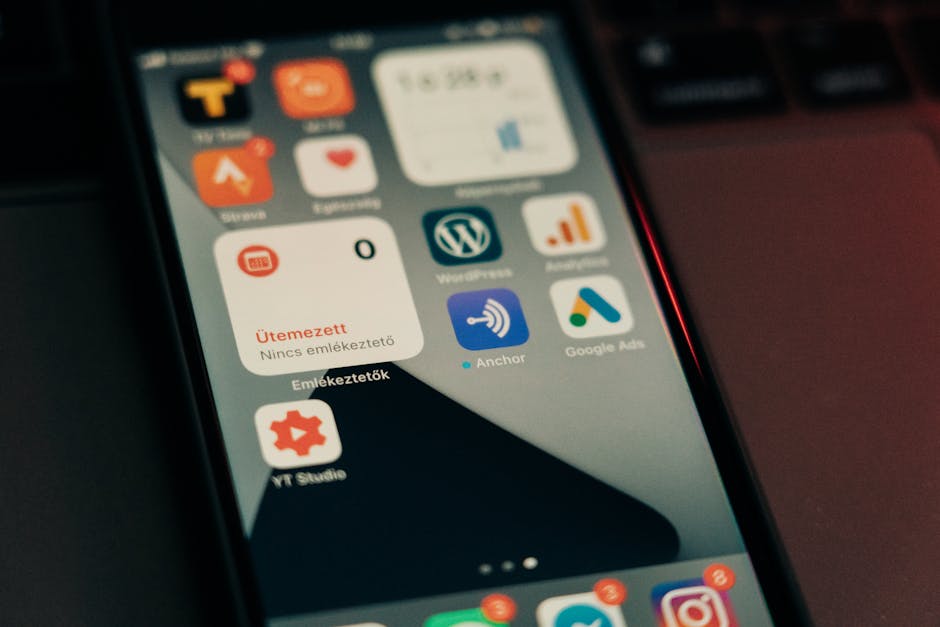
How MFA fatigue attacks work, why app approvals can be abused and which stronger methods and settings prevent it.
The problem in one scenario
An employee is at home in the evening when their phone buzzes with a sign-in approval request. They are not logging in. A minute later there is another, then a third. They deny the first few, but the buzzing continues. Eventually, tired or confused, they tap approve. The attacker, who had bought the employee's password from a leak or phished it earlier, is now logged in.
That is MFA fatigue, sometimes called push bombing or prompt bombing. It does not break encryption or clever technology. It exploits human attention and the design of simple tap-to-approve prompts.
Variations attackers use
The basic flood of requests has several refinements, and training should cover them.
- Timing the prompts at night or early morning when people are less alert
- Calling or messaging the employee pretending to be IT and saying they must approve to stop the alerts
- Combining prompts with a fake helpdesk story, such as an urgent upgrade or fix
- Persuading a helpdesk to enrol a new device on the account
- Using a real-time phishing page that relays the code or approval from the genuine site
Why some methods are more exposed
Not all MFA is equal. Methods that rely on a code you read out or a prompt you accept are only as strong as your judgement in the moment. Text messages can also be intercepted or redirected through SIM swapping. By contrast, passkeys and hardware security keys are bound to the genuine website and require physical presence, so a fake page or a random prompt cannot satisfy them.
This is why security guidance increasingly recommends phishing-resistant authentication for administrators, finance staff and anyone with access to sensitive data.
Settings that help right now
You can reduce risk without buying new tools, because most identity platforms have options that are not always enabled by default.
- Turn on number matching or additional context, so approvals show a number, location and application
- Limit the number of prompts allowed in a period and lock or alert after repeated denials
- Disable plain text-message codes for administrators where stronger methods exist
- Alert administrators when a user denies multiple requests or reports a prompt
- Require a registered, compliant device for sensitive apps
- Review recently registered authentication methods, since attackers try to add their own
Move critical accounts to stronger methods
Start with the people who can do the most damage: owners, finance, IT administrators and anyone who manages email or domain settings. Give them passkeys or security keys and keep a spare key stored securely. Most major office suites, password managers and identity providers support these methods.
Do not forget recovery. Attackers like to target the account recovery process, so require strong verification for resets and avoid recovery routes that rely only on email or SMS. Document who can approve a reset and what proof they need.
Train people for the moment it happens
Staff need a simple rule: if you did not just try to sign in, deny the request, and report it. Never approve to make a prompt stop, and never approve because someone calling or messaging asks you to. IT will never need an approval from you in order to help.
Make reporting quick and blame-free. An employee who tells you about a strange prompt hands you an early warning that their password has been exposed. You can then reset it, revoke sessions and check for other activity before any damage is done.
Logging and detection
You can spot these attacks if you look. Review sign-in logs for bursts of failed MFA attempts, sign-ins from unusual locations and approvals that happen at odd hours. Set alerts for repeated denials followed by a success, since this pattern strongly suggests fatigue or social engineering.
Check also for new authentication methods added shortly after a sign-in, new inbox rules, mass downloads or changes to forwarding. Even a small business can enable these alerts in common office suites. Assign someone to review them weekly, and write down what to do when one fires, so alerts lead to action rather than noise.
What to do after a suspected successful attack
If someone approved a prompt they did not initiate, treat the account as compromised. Reset the password, revoke all sessions and tokens, remove unknown authentication methods and check mailbox rules, forwarding and recent file access. Look at other accounts using the same password. Review sign-in logs for the time window and the sources involved, and inform your insurer or adviser if data may have been affected. Then review whether stronger methods and tighter prompt limits should be applied across the team.
Frequently Asked Questions
Does this mean MFA is useless?
No. MFA still blocks the great majority of password-only attacks. Weak forms are simply more open to abuse, so use stronger methods for critical accounts.
What is number matching?
The sign-in screen shows a number that you must type into your authenticator app to approve, so a random approval prompt cannot be accepted by accident.
Are text message codes safe?
They are better than nothing, but SIM swapping and interception make them weaker than app-based or hardware methods.
What should an employee do after an unexpected prompt?
Deny it, change the password from a trusted device and report it to IT straight away.
Which MFA method is strongest?
Phishing-resistant options such as passkeys and FIDO2 security keys are generally the strongest available to small businesses.
Tools We Recommend
Advertisement
Sponsored: today's featured offer →Advertisement